Local LLMs for Game Development: What Really Works in 2026
Can a local LLM build your game? What runs on a home GPU, why it falls short for agent coding, and where local AI shines: images, video, music and 3D.
Short answer: for writing game code with an AI agent, a local LLM is not worth it in our experience. The models that fit on a home GPU are much slower and much less capable than hosted models, and the open models that come close to the frontier need hardware that costs more than years of a subscription. For serious development, pay for a hosted model; it is the only sane option for language models today. Local AI does work well for game assets, though: images, video, music and 3D run fine on your own machine, and that is where we recommend spending your GPU.
We build AI Game Developer, a desktop app with a built-in AI agent and plugins for Unity, Unreal Engine, Godot, Three.js, Bevy and BRUTAL. We run agents on real game projects every day, and we have tried the local route more than once. This guide explains what a local LLM can and cannot do for game development as of November 2026, with the hardware numbers, the setup if you still want to try, and the places where running models locally genuinely pays off.
What People Mean by a Local LLM for Game Development
A local LLM is a language model whose weights you download and run on your own computer, usually through a runtime such as Ollama, LM Studio or llama.cpp. Nothing leaves your machine and there is no per-token bill. In game development people hope to use one for three jobs:
- An AI coding agent that edits scripts, builds scenes and fixes errors inside Unity, Unreal or Godot.
- Inline code completion in the editor, the small suggestions while you type.
- Chat help: explaining an API, drafting dialogue, summarising design notes.
These jobs have very different demands. Completion and casual chat are short and forgiving. Agent work is long, strict and unforgiving, and that is the job most people actually want help with in 2026.
Why Agent Coding Is the Hardest Job for a Local Model
An agent working on a game does not answer one question. It reads the scene, inspects components, writes a script, waits for the engine to compile, reads the console, fixes the error and tries again. A single feature can take dozens of steps, and every step sends the model the whole conversation so far: the instructions, the tool definitions, the scene data, the code, the error logs.
That loop punishes local models in three ways:
- Context size. Agent sessions run to tens of thousands of tokens and beyond. On a home GPU, a long context eats video memory, and every new step makes the model process a long prompt again before it writes its first word.
- Reliability. One malformed tool call, one invented method name or one lost instruction breaks the loop. Smaller models make these mistakes far more often, and each mistake costs another round trip.
- Speed. Hosted models run on datacenter accelerators. On a consumer card, and even more when part of the model spills into system memory, each step takes noticeably longer, and an agent takes many steps.
To give a sense of scale: even with our RQL query tools, which cut the tokens an agent spends on engine data, an engine agent task is a long prompt for a home GPU, and with conventional tools it is far beyond what a small local model handles well. The benchmark is at ai-game.dev/docs/rql.
What Actually Runs on Home Hardware
Here is the honest picture of open models for coding as of November 2026, from smallest to largest. Sizes are the download sizes of the default quantised builds in the Ollama library (ollama.com/library), and parameter counts come from the official model cards.
- gpt-oss-20b (OpenAI, Apache 2.0): 21B parameters with 3.6B active per token. OpenAI says it runs within 16 GB of memory; the Ollama build is about 14 GB. This is the realistic option for a single gaming GPU.
- Qwen3-Coder-Next (Alibaba, Apache 2.0): 80B parameters with 3B active, 256K context. The default 4-bit Ollama build is about 52 GB, so it needs a high-end workstation, a large unified-memory Mac, or a split between GPU and system memory.
- gpt-oss-120b (OpenAI, Apache 2.0): 117B parameters with 5.1B active. OpenAI says it fits on a single 80 GB datacenter GPU such as an H100; the Ollama build is about 65 GB.
- DeepSeek V4 Flash (DeepSeek, MIT): 284B parameters with 13B active and a 1M context. The weights are open, but this is a multi-GPU server model, not a desktop one.
- The largest open models are bigger still and run only in datacenters.
The pattern is clear. The open models that are genuinely good at agent work are hundreds of billions of parameters. The ones that fit a 16 GB or 24 GB gaming card are small, and in our experience the gap shows immediately in a game engine: they lose track of the scene, invent engine APIs and need many more attempts per feature.
Local LLM vs a Paid Model: The Trade-Offs
Here is how the two compare for game development, in our experience:
- Quality: frontier hosted models are far ahead on long, multi-step engine work. Small local models are fine for single snippets and much weaker as agents.
- Speed: hosted models are faster per step and much faster over a whole agent session. Local speed depends heavily on your GPU, and drops sharply once the model or its context does not fit in video memory.
- Cost: a local model has no per-token bill, but the hardware to run an open model that is actually good costs far more than a gaming PC, plus power and noise. A subscription or pay-as-you-go plan buys more capability for less money unless you already own the hardware.
- Privacy: local wins. Nothing leaves the machine.
- Offline: local wins. It works on a plane.
- Maintenance: hosted wins. No drivers, quantisation choices, context settings or memory juggling.
The cheap end of hosted models has also moved a long way: DeepSeek V4.1 Flash comes close to Claude Opus 5.5 at about 65 times lower cost in our usage (ai-game.dev/blog/best-ai-model-for-game-development), so the cost argument for a local coding model is weak. The model list and which plans include each model are at ai-game.dev/model-availability.
When a Local LLM Still Makes Sense
There are honest cases for a local model. If one of these is you, it can be the right call:
- Your contract or studio policy forbids sending code to any third party, and you accept slower, weaker help as the price.
- You often work offline and want something rather than nothing.
- You want inline completion only. Short, local completions are a much easier job than agent work, and a small model can be good enough.
- You want to learn how models work, fine-tune one, or experiment with prompts at no per-token cost.
- You already own a large unified-memory Mac or a multi-GPU workstation for other reasons.
If none of these applies, we recommend not spending your time and money on a local coding model.
How to Try a Local Model If You Still Want To
If you want to see for yourself, Ollama is the shortest path. Install it from ollama.com, then pull and run the small gpt-oss model:
ollama pull gpt-oss:20b
ollama run gpt-oss:20b
The setting most people miss is the context length. Ollama sets it from your video memory: 4K tokens below 24 GB, 32K from 24 to 48 GB, and 256K from 48 GB up, as of November 2026. Its context length guide (docs.ollama.com/context-length) says agents and coding tools need at least 64,000 tokens. Set it when you start the server, then check that the model still runs fully on the GPU:
OLLAMA_CONTEXT_LENGTH=64000 ollama serve
ollama ps
In the ollama ps output, look at the PROCESSOR column. If it shows a split between CPU and GPU instead of 100% GPU, the model or its context does not fit in video memory and every step will be much slower. Lower the context or pick a smaller model.
A fair test for game development takes an hour:
- Pick a real task from your project, such as "add a double jump with coyote time to the player controller".
- Run it with the local model and with a hosted model, using the same prompt and the same files.
- Count the attempts until the code compiles and works, and time the whole session.
- Repeat with a task that needs several files, such as a save system.
In our experience the pattern is the same every time: a small local model copes with the first, small task and struggles badly with the multi-file one.
Where Local AI Really Works: Assets
The picture flips for asset generation. An image or a short clip is one well-defined job, not a long loop of decisions, and today's open image and video models are very good. This is where we recommend using your GPU, and the AI Game Developer ecosystem supports it directly:
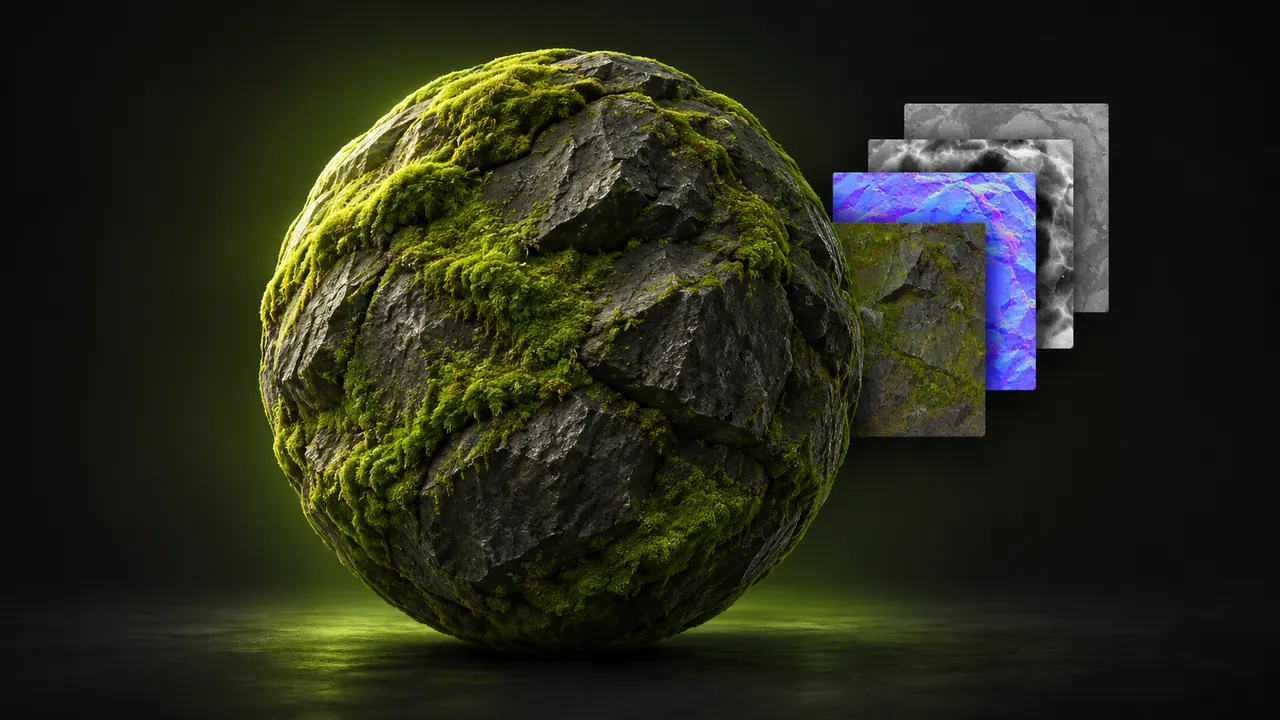
- Images and textures. The app generates and edits images on your own GPU with open models such as Qwen-Image, FLUX.1 schnell, SDXL and Z-Image Turbo, in your project's art style, saved into the project. The walkthrough is at ai-game.dev/blog/local-ai-image-generation-for-games.
- Video. The Video tool runs LTX-2.5 and Wan 2.2 locally for short clips from text or a start image, such as animated menu backgrounds and HUD icons. Details and honest limits: ai-game.dev/blog/local-ai-video-generation-on-your-gpu.
- Music and sound. The agent composes in SuperCollider and renders the audio on your machine, as editable code rather than a black box: ai-game.dev/blog/ai-game-music-and-sound-supercollider.
- 3D models. The agent drives a real Blender installed on your computer and builds and edits models step by step: ai-game.dev/blog/ai-blender-3d-assets-from-chat.
Local models in the app run on your own GPU and do not use your plan's allowance. The app checks your graphics card, video memory and driver and offers only the models your machine can run, and nothing is downloaded until you approve it. If you prefer to drive every setting by hand, Asset Studio puts local and cloud models side by side for images, video, audio and 3D: ai-game.dev/blog/ai-asset-generation-asset-studio.
A 12 GB or 16 GB gaming card that is far too small for a capable coding model is a perfectly good asset generator; the exact requirements per model are in ai-game.dev/blog/local-ai-image-generation-for-games and ai-game.dev/blog/local-ai-video-generation-on-your-gpu.
Our Recommendation: A Split Setup
For a solo developer or a small team in November 2026, the setup that works:
- Use a hosted model for the agent and for code. DeepSeek V4.1 Flash for everyday work, Claude Opus 5.5 for the hardest multi-step tasks when the budget allows.
- Use your GPU for assets: textures, icons, concept art and short clips generated locally, with no per-asset cost and no upload of unreleased art.
- Use cloud asset models only for what your machine cannot run, such as long video with sound or when you have no capable GPU.
- Keep a small local model only if one of the special cases above applies to you.
This gives you the strongest coding help at a sensible price and puts the hardware you already own to work where it is actually good.
Get Started
AI Game Developer connects a hosted agent to Unity, Unreal Engine, Godot and other engines, and runs local image and video models on your GPU from the same chat. Download it at ai-game.dev/download, open your project, and ask the agent for a feature and a texture in the same session. Plans and allowances are at ai-game.dev/pricing.