Bevy Game Development with AI — Create, Build and Inspect Rust Games from the Chat
AI Game Developer now supports Bevy. Create a Rust game, watch cargo's real build progress, and let the AI agent query the running game over BRP.
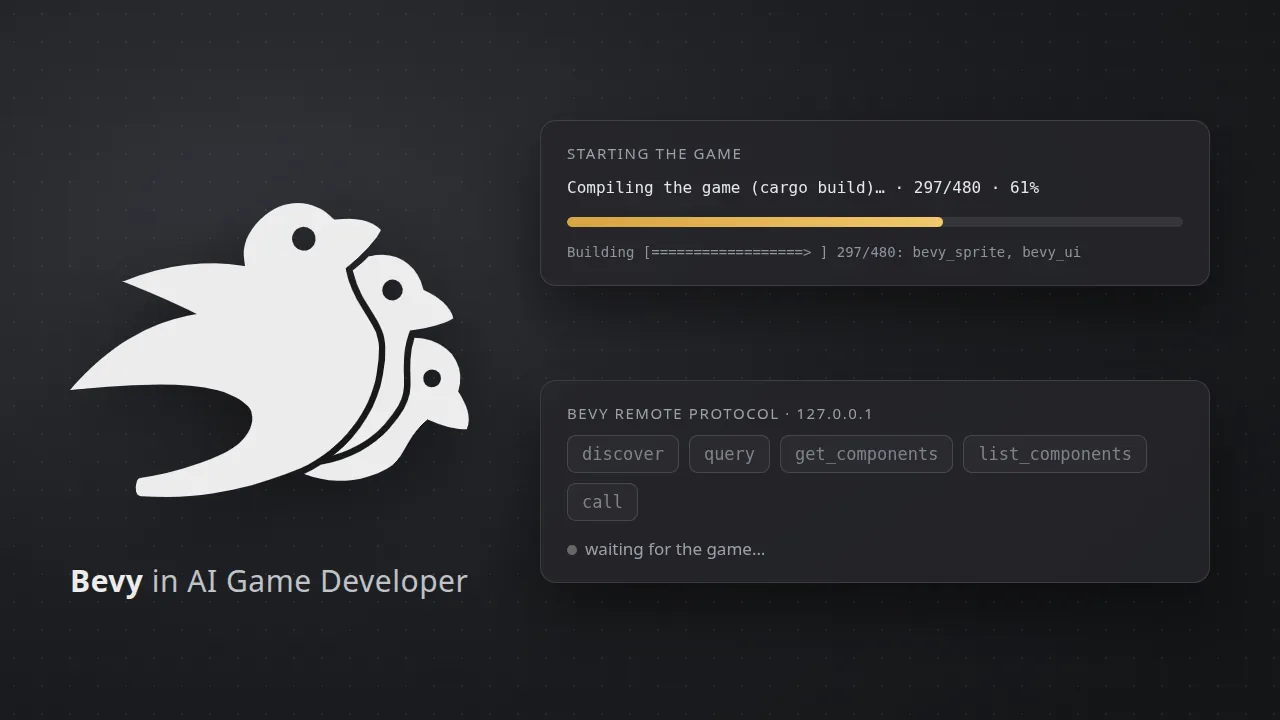
Bevy is an open source game engine written in Rust, built around an Entity Component System. It has no editor: a Bevy game is a cargo crate, written in code and run with cargo. AI Game Developer, our desktop app with a built-in AI agent, now supports Bevy projects. The app creates a new Bevy game for you, builds and runs it with a progress card that shows cargo's real progress, and connects the agent to the running game so it can look inside the ECS world and change it.
This post covers what the app does for a Bevy project, what you need to install yourself, and how the agent works with a running game.
Bevy Game Development with AI
Rust and Bevy suit an AI agent well. The compiler is strict and its error messages are precise, so the agent learns quickly what went wrong. The ECS keeps game state in plain components that can be listed and read. What has been missing is the loop around the code: starting the build, knowing when the game is actually running, and seeing what is inside it without guessing from logs.
AI Game Developer adds that loop. It treats a folder as a Bevy project when its Cargo.toml depends on bevy and it has a src folder, and from then on the project gets a Play button, a build progress card and a set of live tools for the agent.
What You Need: Rust and cargo
The app does not install Rust for you. Bevy games are built with cargo, so install the Rust toolchain with rustup from https://rustup.rs once. The app finds cargo in the usual places: your CARGO_HOME, the default .cargo/bin folder in your home directory, or your PATH, which matters on macOS when the app is started from the Dock and does not see your shell's PATH. If cargo is missing, the app says so and links to rustup instead of failing with a vague error.
Bevy also has its own system requirements on some platforms, such as graphics and audio libraries on Linux. Follow Bevy's setup guide for your operating system, and the app will tell you when a game stops right after it starts, with the panic line from its log.
Create a New Bevy Project
You can create a Bevy project from the desktop create project dialog, from the CLI with the create command below, or by asking the agent in a chat. The result is a small, ready-to-run crate:
- A Cargo.toml with Bevy 0.20 and its bevy_remote feature turned on, plus Bevy's recommended development profile: your own code compiles quickly, dependencies are optimized.
- A main.rs that adds Bevy's default plugins, the Remote Protocol plugins on a port the app passes in, and a 2D camera.
- An assets folder and a .gitignore for the target folder.
/create-project bevy my-gameHave an existing Bevy game? Open its folder. The app's plugin install for Bevy adds the bevy_remote feature to your Cargo.toml. It never edits your Rust sources: if your app does not add the remote plugins yet, the app shows the one line to add, and the agent can add it for you when you ask.
Watch the Real cargo Build Progress
The first build of a Bevy game compiles hundreds of crates and can take several minutes. Waiting without knowing what happens is the worst part, so the app shows it. When you press Play, the app runs cargo run in the background and reads cargo's own progress bar from its log. The progress card then shows each step with real numbers: updating the crate index, downloading the game's crates, and compiling with the finished and total build units and the percentage cargo itself reports. Nothing is estimated.
When the build is done, the card says the game is starting and waits until it really runs. If cargo stops with a compile error, the card shows the error lines and the path of the full log. If the game panics right after start, for example because a system library is missing, you get the panic message instead of a game that silently vanished. Later builds are incremental and much faster.
Each project runs once: pressing Play again while the game runs shows it instead of starting a second copy. Closing a chat does not stop your game, because you may still be playing it.
The Agent Talks to Your Game over BRP
Bevy ships the Bevy Remote Protocol, BRP for short: JSON-RPC over HTTP that lets another program query and change a running app's ECS world. AI Game Developer uses it as the live connection, only on your own machine (127.0.0.1). When the agent connects to a Bevy project, it gets these tools:
- discover lists the remote methods the running game serves.
- query finds entities by the components they have or do not have, and returns component values.
- get_components reads chosen components of one entity.
- list_components lists one entity's components, or every component type the game registered.
- call runs any other BRP method, for example spawning or despawning an entity, inserting or changing components, or reading and writing resources.
That gives the agent facts instead of guesses. Ask "why does the enemy not move?" and the agent can query the enemy's Transform and velocity components while the game runs, change a value to test an idea, and then fix the code. The tools work with the method names of current Bevy versions and fall back to the older names used by Bevy 0.15 and 0.16.
Several Bevy projects can run at the same time. The app gives each game it starts its own BRP port and talks only to games it started for that project, leaving Bevy's default port to a game you started yourself.
Good to Know
- The Bevy game opens in its own native window, as usual. The app does not stop it when you are idle; a restart or a disconnect from the agent stops it.
- The agent's tools see what BRP exposes: components and resources that support reflection. Derive Reflect on your own components and resources to make them visible.
- Bevy's own MIT or Apache-2.0 license applies to your game as it would without the app.
Get Started
Install Rust with rustup, download AI Game Developer from ai-game.dev/download, create a Bevy project and press Play. While the first build runs, describe the game you want to the agent. More about the app is at ai-game.dev/docs/app. Building for the browser instead? Read about Three.js support at ai-game.dev/blog/threejs-game-development-with-ai, and about the BRUTAL C# framework at ai-game.dev/blog/brutal-dotnet-game-development-with-ai.
Image credits: the Bevy bird logo is from the Bevy repository (MIT OR Apache-2.0); it identifies the engine and remains Bevy's. The illustrations were made by AI Game Developer.