Godot vs Unity for 2D Games: Which to Pick in 2026
Godot or Unity for your 2D game? Our take after building with both and with AI agents. Speed favors Godot, polish and performance favor Unity.
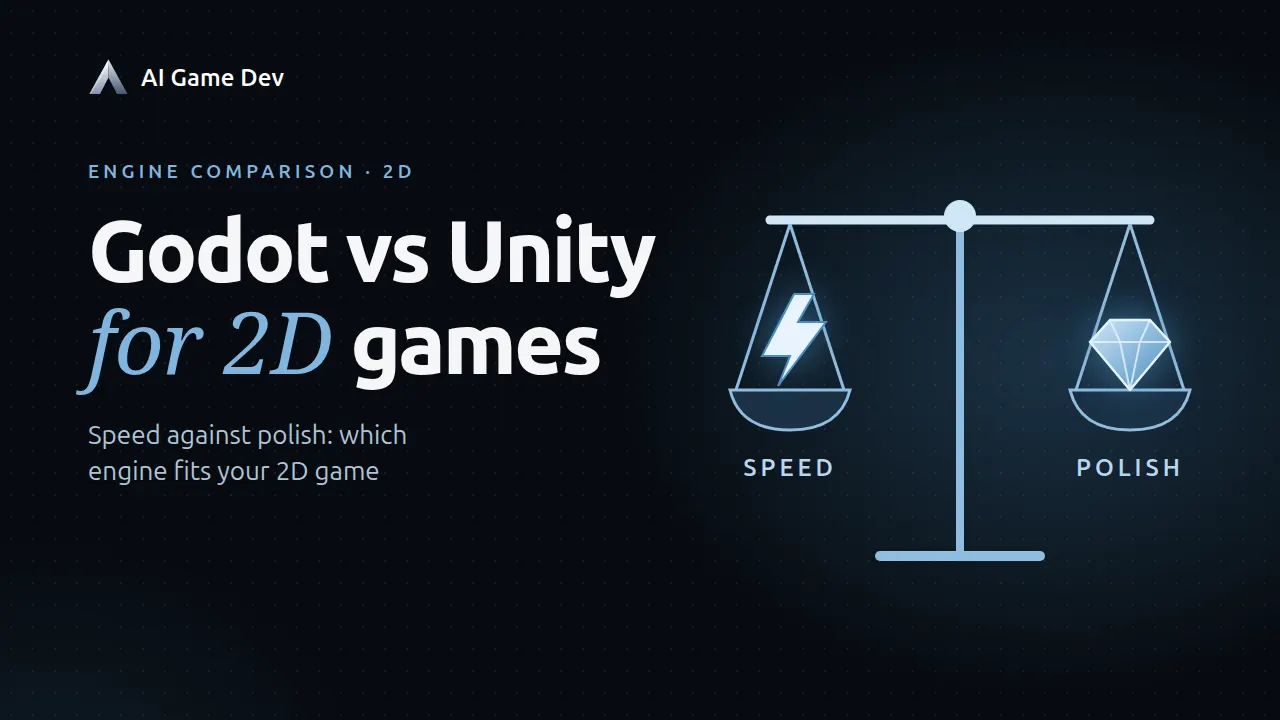
Godot or Unity for a 2D game? In our experience it comes down to one trade: time against final quality. If development speed matters most, pick Godot: it is light, it opens in seconds, and AI agents iterate on a Godot project faster. If you can spend more time to get a richer and more optimized result, pick Unity: it has more great 2D graphics features and visual effects, and a well-built Unity game can be very efficient. Both are good 2D engines in 2026, and the honest answer is that the question is debatable. This post shows where each one wins, so you can decide for your own game; the wider comparison with Unreal is at ai-game.dev/blog/unity-vs-unreal-vs-godot.
We build AI Game Developer, a desktop app with an AI agent and plugins for Unity, Godot and other engines, so we watch AI agents work in both editors every day. That angle runs through the whole comparison: more and more 2D games are now built with an agent doing part of the work, and the engine you pick changes how fast that agent can move.
Godot vs Unity for 2D: The Short Answer
- Pick Godot if you want the fastest loop from idea to playable build, you work alone or in a small team, your art style is clean pixel art or simple vector shapes, and you want an AI agent to do a lot of the work.
- Pick Unity if visual polish is a selling point (dynamic 2D lighting, skeletal animation, rich particle effects), you target consoles or a wide range of mobile devices, you need a large ecosystem of ready-made assets and SDKs, or you plan a long project where runtime performance matters more than iteration speed.
- If you are unsure, prototype the core mechanic in Godot for a week. If you hit a wall that Unity solves (a specific effect, a platform, a plugin), move then. Moving a small prototype is cheap; moving a finished game is not.
What Godot Does Well in 2D
Godot treats 2D as a first-class mode, not as 3D with a flat camera. 2D scenes work in pixels, 2D nodes have their own renderer path, and the editor has a dedicated 2D workspace. For a 2D developer that removes a layer of translation you feel in other engines.
- Small and fast. The editor is a single program that starts in seconds, and a new project is a folder with a project.godot file. There is no installer hub, no package resolution on first open, and very little waiting between a change and a running game.
- Scenes and nodes. Everything is a tree of nodes, and any scene can be reused inside another one. A player, an enemy, a bullet and a whole level are all scenes. This model fits 2D games very naturally.
- Built-in 2D tools. TileMapLayer for tile-based levels, AnimationPlayer that can animate any property, AnimatedSprite2D for frame animation, 2D physics, 2D lights and particles, all in the box without extra packages.
- Readable files. Scenes (.tscn) and resources (.tres) are short, human-readable text with res:// paths. They diff well in git and are easy for both people and AI agents to read and edit.
- GDScript. A small, Python-like language made for the engine. A script change runs on the next play with no compile step. C# is also available in the .NET build of the editor.
- License. Godot is free and open source under the MIT license, with no revenue thresholds, seats or royalties.
Where Godot is weaker for 2D:
- Fewer advanced visual tools. Lighting, shadows and particles exist, but there is no direct match for Unity's 2D Animation and Sprite Shape packages or its 2D renderer feature set, so high-end effects often mean writing your own shaders.
- A smaller ecosystem. The Asset Library is useful but much smaller than the Unity Asset Store, and some ad, analytics and platform SDKs ship for Unity first or only.
- Consoles are not built in. Because of the platform holders' licensing, console exports for Godot go through third-party porting companies, not a checkbox in the editor.
- C# on the web. As of November 2026, the official Godot 4 documentation still says projects written in C# cannot be exported to the web; GDScript projects can. Work on .NET web export is in progress but has not shipped in a stable release. If a browser build on itch.io is your main target, use GDScript only, keep the project free of any C# solution, and test a web export early.
What Unity Does Well in 2D
Unity's 2D toolset is bigger and more mature. It is the engine to choose when the look of the game is the product.
- The 2D Renderer in URP. 2D lights, normal maps on sprites, shadow casters, light blending and Shader Graph for sprites. As of Unity 6.3 LTS, the 2D Renderer can also draw 3D meshes and skinned meshes next to sprites, lit by the same 2D lights and sorted with them, which opens up 2.5D looks.
- 2D Animation and PSD Importer. Rig a character with bones inside Unity, import layered Photoshop art straight into a rig, and animate it like a cut-out puppet. This is a big time saver for character-heavy games, and Godot has no packaged equivalent at the same depth.
- Sprite Shape, Tilemap and Rule Tiles for organic terrain and tile levels, plus the Pixel Perfect Camera for crisp pixel art at any resolution.
- 2D physics on Box2D, now with low-level APIs built on Box2D v3 since Unity 6.3.
- Visual effects. The Particle System and VFX Graph give you a deep set of effects; with the right setup they look great in 2D.
- Performance tooling. The Profiler, Frame Debugger, Sprite Atlases, the SRP Batcher and the 2D light batching tools let you push a 2D game to run very well on weak phones. A carefully built Unity game can be very optimized.
- Platforms and ecosystem. Consoles (with a developer account from each platform), mobile, web and desktop from one project, and the largest asset store and plugin ecosystem in the industry.
Where Unity is weaker for 2D:
- It is heavy. Installing the editor, opening a project and waiting for scripts to compile and the domain to reload after each C# change all add up. On a small 2D game this overhead can be bigger than the game itself.
- More setup. Choosing the render pipeline, installing the 2D packages and configuring the project takes longer before the first sprite moves.
- Files are harder to read. Scenes and prefabs are long YAML documents that refer to assets by GUID through .meta files. They work, but they are not pleasant to diff or to hand-edit.
- Licensing. As of November 2026, Unity Personal is free under $200,000 in revenue and funding, and Unity Pro costs $2,310 per seat per year above that.
Why AI Agents Move Faster in Godot
This is the part most comparisons leave out. When an AI agent builds your 2D game, every change goes through a loop: read the project, make an edit, let the engine process it, check the result, fix mistakes. The shorter that loop, the more the agent gets done for the same time and money.
In our experience an iteration takes AI agents longer in Unity than in Godot. The reasons are practical:
- Compile and reload. Every C# change in Unity triggers a compile and a domain reload before the agent can test anything. A GDScript change in Godot is ready on the next run.
- Readable scenes. An agent can open a .tscn file and understand it. A Unity scene with GUID references usually has to be inspected through the editor instead, which costs more tool calls.
- Smaller surface. Godot has fewer subsystems and fewer ways to do the same thing, so the agent makes fewer wrong guesses about which package or pipeline a project uses.
The tools around the engine matter as much as the engine. We measured how much agents spend on editor tasks through our Unity, Unreal and Godot command-line tools and cut it by up to 83%; the method and numbers are in ai-game.dev/blog/cli-for-ai-agents-fewer-tokens. Those tasks differ per engine, so they do not rank Godot against Unity, but they show where agent time goes: discovery, retries and waiting for the editor.
None of this makes Unity a bad choice with AI. Agents build complete Unity games, as in our walkthrough at ai-game.dev/blog/build-game-with-ai-claude-code. It just means you pay for Unity's extra power with slower agent iterations, the same way a human developer pays for it with waiting time.
A Decision Checklist
Answer these before you install anything:
- What matters more: shipping soon or looking the best it can? Soon means Godot, best means Unity.
- Which platforms? Consoles or a wide spread of low-end phones lean to Unity. PC and web with GDScript are fine in Godot.
- What is the art style? Pixel art, flat vector and simple frame animation are easy in both, and quicker in Godot. Lit sprites with normal maps, bone-rigged characters and heavy particles lean to Unity.
- Who writes the code? If an AI agent does much of the work, Godot's faster loop pays off on every step.
- Do you need a specific SDK or asset? Check that it exists for your engine before you start, not after.
- How big is the team? A solo developer feels Unity's overhead more; a studio with a technical artist gets more out of Unity's tools.
- Money and licensing: Godot is free forever under MIT; Unity is free under the $200,000 threshold and paid above it.
If You Need X, Pick Y
- A game jam or a prototype in days: Godot.
- A pixel-art platformer or roguelike for PC and itch.io: Godot, with GDScript (for a web build, without any C# in the project).
- A narrative or puzzle game with simple visuals: Godot.
- A 2D game with dynamic lighting, normal-mapped sprites and atmospheric effects: Unity.
- Bone-animated characters from layered Photoshop files: Unity with 2D Animation and PSD Importer.
- A mobile game that must run smoothly on old phones and use ad and store SDKs: Unity.
- A console release on day one: Unity.
- An AI agent doing most of the building, on a tight time or token budget: Godot.
- An AI agent helping on a long project where final quality wins: Unity, and accept slower iterations.
Using an AI Agent with Either Engine
AI Game Developer connects agents such as Claude Code, Codex or Cursor to both editors, and its desktop app has a built-in agent if you prefer not to set one up yourself. The agent can read and change scenes, nodes or GameObjects, write and check scripts, run short code directly inside the live editor, and look at screenshots of the result.
For Godot, the plugin needs the .NET build of Godot 4.3 or newer and the .NET SDK installed once. Your game code can stay GDScript: the project gets a C# solution for the addon, and your .gd scripts and scenes are not changed. That makes it a .NET project, which exports with Godot's .NET export templates, and stable Godot 4 cannot export .NET projects to the web. So for a web build, do not use the addon on that project, or remove the addon and its C# solution before you export.
Unity needs 2022.3 or newer. Adding the plugin is one command per engine:
npx godot-cli install-plugin ./MyGodotProject
npx unity-mcp-cli install-plugin ./MyUnityProject
Signing in, connecting your agent and opening the project are in ai-game.dev/docs/quickstart. Both also work fully local, with no account, if you prefer to keep tool calls on your machine. Setup details for each engine are at ai-game.dev/engines/godot and ai-game.dev/engines/unity.
To settle it for your own game, give the agent the same small task in both engines, such as a player that runs, jumps and collects coins on a tile map, and compare how long each loop takes and how the result looks. One afternoon tells you more than any comparison article.
Godot gives you speed, Unity gives you depth, and an AI agent can carry a lot of the work in either: download AI Game Developer at ai-game.dev/download.