Unity vs Unreal vs Godot in 2026: Which Game Engine to Choose
Unity, Unreal or Godot? An honest 2026 comparison of pricing, platforms, languages and team fit, with a clear "if you need X, pick Y" guide.
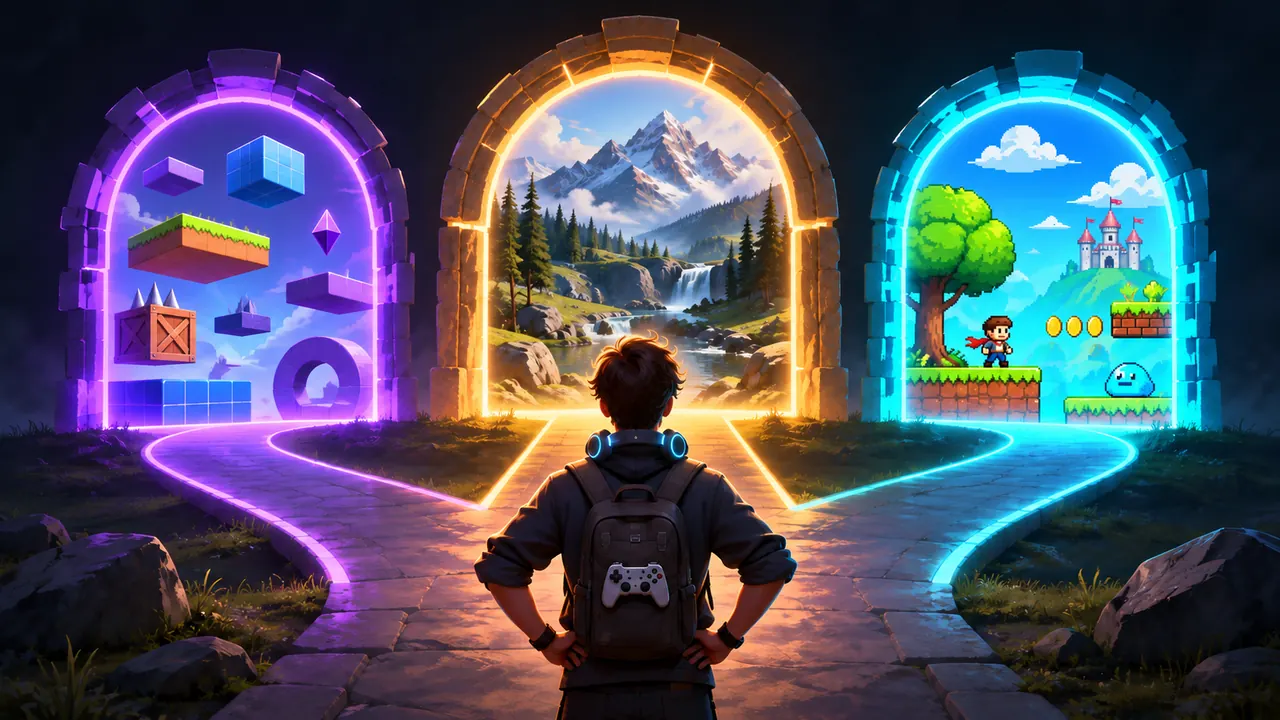
There is no single best game engine in 2026: the winner depends on the game you are making. In our experience the short answer is this. Pick Unity if you are an indie or mobile developer and want the safest all-rounder. Pick Unreal Engine if you are building high-end 3D with top-tier graphics. Pick Godot if you are making a 2D or lightweight game and want a free, open-source engine with no licence strings attached. The rest of this post explains why, where each engine is weaker, and ends with an "if you need X, pick Y" list you can use to decide in five minutes.
The Three Engines in One Paragraph Each
Unity is the generalist. It runs on almost every platform that matters, has the largest library of tutorials and ready-made assets, and its C# scripting is approachable for beginners and productive for professionals. The current long-term support line is Unity 6.3 LTS, released in December 2025, with Unity 6.7 announced as the next LTS.
Unreal Engine is the high-end 3D specialist. Nanite geometry, Lumen and MegaLights lighting, a mature animation stack and Blueprints visual scripting make it the default for realistic 3D, shooters and large worlds. Unreal Engine 5.8, released in June 2026, is described by Epic as the last planned major UE5 release while work on UE6 ramps up.
Godot is the lightweight, open-source option. The editor is a small download that starts in seconds, the 2D tools are first-class rather than a 3D engine pretending to be flat, and GDScript is easy to learn. The current series is Godot 4.7. It is MIT-licensed, so the engine is yours with no fees and no royalties.
Pricing and Licences in 2026
As of November 2026, from the vendors' own pages: Unity Personal is free up to 200,000 USD in revenue and funding, then Unity Pro costs 2,310 USD per seat per year; Unreal Engine is free with a 5% royalty on gross revenue above the first 1 million USD (3.5% through Launch Everywhere with Epic); Godot is free under the MIT licence, with no royalties or seats.
What this means in practice: for a small indie team, all three are free until you have real revenue. Unity charges per seat once you cross the threshold, Unreal charges a share of revenue once you cross its threshold, and Godot never charges. If you expect a big hit with a small team, Unity's seat model is usually cheaper than a 5% royalty. If you want zero dependency on any company's future pricing decisions, Godot is the only one that guarantees it.
Unity vs Unreal vs Godot: Head-to-Head
Below, each engine is compared on the points that most often decide a project. Lists instead of a table, so they read well on a phone.
Graphics and 3D
- Unreal: the best out of the box. Photoreal lighting, huge open worlds, film-quality characters. The cost is heavy hardware requirements, large project sizes and long shader compiles.
- Unity: very capable with URP for mobile and stylised games and HDRP for higher fidelity, but reaching Unreal-level realism takes more work and more expertise.
- Godot: good and improving fast for stylised 3D, but in our experience not the engine for AAA-style realism or very large 3D worlds.
2D
- Godot: the strongest 2D workflow of the three. Pixel-perfect rendering, tilemaps, 2D physics and 2D lighting are native, and scenes are light.
- Unity: a solid 2D toolset with sprites, tilemaps and 2D lights, and many shipped 2D hits. Slightly heavier than Godot for small projects.
- Unreal: possible (Paper2D), but rarely the right choice. You pay for a 3D engine you do not use.
Mobile and Web
- Unity: the safest pick for mobile. Small builds compared with Unreal, mature iOS and Android tooling, and the widest choice of ads, analytics and in-app purchase integrations.
- Godot: exports to Android, iOS and the web, and builds are small. A good fit for lightweight mobile and web games. Check the platform notes for your exact Godot version and language (GDScript versus C#) before you commit.
- Unreal: ships on mobile, but builds are large and tuning for mid-range phones takes real effort.
Consoles
- Unreal and Unity: console support is an established path for both, through the platform holders' developer programmes.
- Godot: the open-source licence means console SDK code cannot be published with the engine, so console ports usually go through third-party porting companies or a custom port. Doable, but plan for it early.
Languages and Learning Curve
- Unity: C#. One language for gameplay, tools and editor scripts. A huge amount of learning material.
- Unreal: C++ plus Blueprints. Blueprints let designers build gameplay visually; C++ is powerful but has the steepest learning curve of the three, and full rebuilds are slow.
- Godot: GDScript (Python-like, very quick to learn) or C# with the .NET build. The engine is small enough that you can read its source when something puzzles you.
Ecosystem and Hiring
- Unity: the largest asset store and the largest pool of developers who already know the engine.
- Unreal: Fab for assets, including Quixel Megascans, and a strong hiring pool for 3D, AAA and virtual production.
- Godot: a fast-growing, friendly community and a free asset library, but fewer paid assets and fewer experienced hires.
Editor Weight and Iteration Speed
- Godot: the lightest. Opens in seconds, runs on modest laptops.
- Unity: medium. Domain reloads and imports can slow down large projects.
- Unreal: the heaviest. Plan for a strong GPU, plenty of RAM and fast SSD storage.
A Five-Minute Decision Checklist
The common mistake is choosing on hype or graphics demos; choose on the game you will actually ship, your team's skills and your platforms. Answer these in order. The first strong "yes" usually decides it.
- Is photoreal 3D or a large open world the core of the game? Pick Unreal.
- Is the game 2D, or a small 3D game you want to keep light? Pick Godot (or Unity if you need its asset store).
- Is mobile your main platform, with ads or in-app purchases? Pick Unity.
- Do you need consoles on day one with a small team? Pick Unity or Unreal, not Godot, unless you have budgeted a port.
- Does your team already know C#? Unity or Godot with C#. C++? Unreal.
- Is a guaranteed zero-fee, open-source licence a hard requirement? Pick Godot.
- Still undecided? Build the same tiny prototype (a character that moves, jumps and collects something) in two engines over a weekend. The one you enjoy more wins.
Does AI Change the Choice?
In 2026 many developers build with an AI agent next to the editor, so it is fair to ask whether one engine works better with AI. Our honest answer: the engine choice should still come first, because a good agent can now work in all three.
AI Game Developer connects an agent (its own built-in agent, or Claude Code, Cursor, Codex and other MCP clients) to Unity, Unreal and Godot through one shared MCP server. The agent can read and change scenes, write code and run short snippets inside the live editor to act on the engine immediately: C# in Unity, Python in Unreal, and C# in Godot. There are a few engine-specific details worth knowing before you start:
- Unity: the most mature integration. A plugin plus unity-mcp-cli, with extensions for particles and animation. Walkthrough at ai-game.dev/blog/build-game-with-ai-claude-code.
- Unreal: supports Unreal Engine 5.5 to 5.8. The agent can author and compile Blueprints and C++, run editor Python and check its work with screenshots. Details at ai-game.dev/engines/unreal.
- Godot: needs the .NET build of Godot 4.3 or newer and the .NET SDK installed once, because the addon is written in C#. Your game scripts can stay GDScript, and the agent reads, writes and validates GDScript too. Details at ai-game.dev/engines/godot.
Installing the engine plugin takes a few commands. For Unity:
npm install -g unity-mcp-cli
unity-mcp-cli install-plugin ./MyGame
unity-mcp-cli login
Unreal and Godot work the same way with unreal-mcp-cli and godot-cli; every step is in ai-game.dev/docs/quickstart.
One more point for cost-conscious teams: in large scenes, the way the agent reads the engine matters as much as the model. Our RQL query tools, used by the Unity, Unreal and Godot plugins, cut the tokens an agent spends on engine data; the benchmark is at ai-game.dev/docs/rql.
If You Need X, Pick Y
- If you need photoreal 3D, open worlds or cinematic visuals, pick Unreal Engine.
- If you need a shooter or action game with high-end graphics and a team that knows C++ or Blueprints, pick Unreal Engine.
- If you need a mobile game with ads and in-app purchases, pick Unity.
- If you need one engine for 2D, 3D, mobile, PC and consoles and you are not sure yet, pick Unity.
- If you need the biggest asset store and the easiest hiring, pick Unity.
- If you need a 2D game, especially pixel art, pick Godot.
- If you need a lightweight editor that runs on an older laptop, pick Godot.
- If you need a free, open-source engine with no royalties ever, pick Godot.
- If you need a game jam engine you can install in a minute, pick Godot.
- If you need visual scripting for designers without code, pick Unreal Engine (Blueprints).
- If you need web builds, of these three pick Godot or Unity; for a browser-first game that loads fast, a web-first engine such as Phaser or Three.js is the better fit.
Get Started
Whichever engine you pick, you can start building with an AI agent today. Download AI Game Developer from ai-game.dev/download, follow the quickstart at ai-game.dev/docs/quickstart, and connect your engine from ai-game.dev/engines/unity, ai-game.dev/engines/unreal or ai-game.dev/engines/godot. If you go with Unity, the two-minute setup at ai-game.dev/blog/make-games-with-claude-code-unity is the fastest way in.