Unity Multiplayer Networking: Fish-Net vs Mirror vs Photon vs NGO
Fish-Net, Mirror, Photon Fusion or Netcode for GameObjects? A practical Unity multiplayer networking comparison with versions, pricing and trade-offs.
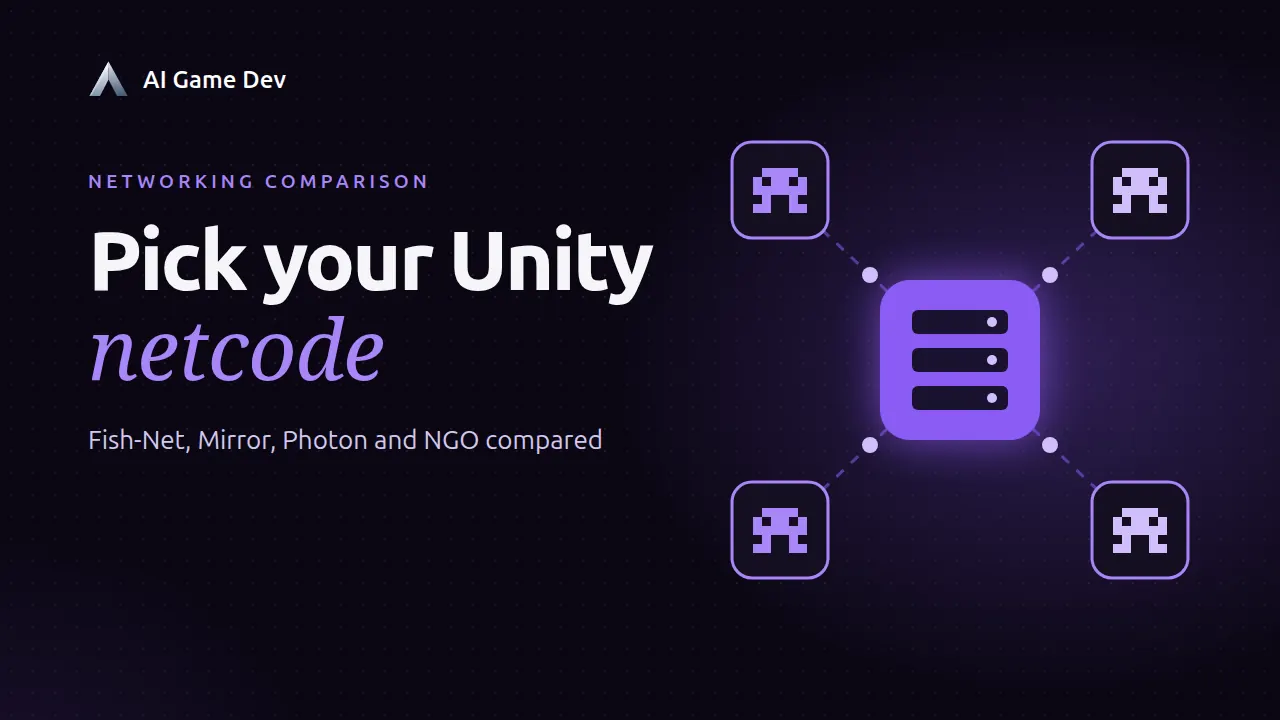
For Unity multiplayer networking in 2026, pick a third-party library rather than Unity's own Netcode for GameObjects. Fish-Net is our default for server-authoritative games that need client-side prediction, Mirror is the safest choice when you want a mature, MIT-licensed library with a huge install base, and Photon Fusion is the right call when you would rather pay for hosted infrastructure than run servers yourself. In our experience Netcode for GameObjects (NGO) causes more problems than it solves: it still lacks full client-side prediction, its major version 3.0 pulled in Netcode for Entities as a hard dependency, and its changelog keeps fixing core synchronization bugs. The third-party options are more practical and more battle-tested.
This guide compares the four on what actually decides a multiplayer project: authority model, prediction and lag compensation, hosting, licence and cost. Versions and prices are as of November 2026.
The Four Options at a Glance
- Fish-Net (FishNet) 4.7.4, released October 2026. Free, source-available under its own licence, with a paid Pro tier. Built-in client-side prediction and reconciliation in the free version. You host the server yourself.
- Mirror 96.11.6, released November 18, 2026. Free and MIT licensed. Mature and stable, with a long track record on Steam. Prediction is still listed as a research item in its README. You host the server yourself.
- Photon Fusion 2.1.4, released October 26, 2026 (Photon's current product; PUN 2 is in maintenance mode). Commercial cloud service billed by concurrent users (CCU). Prediction and lag compensation built in. Photon Cloud handles matchmaking and relay.
- Netcode for GameObjects 3.2.0, released November 3, 2026 (the 2.13 line is still patched). Free, from Unity. No full client-side prediction. Since 3.0 it depends on Netcode for Entities.
Unity Multiplayer Networking: How to Choose
Answer three questions before you compare features.
- Who is the authority? In a server-authoritative game the server decides what happens and clients only send input. That is what you need for competitive games and anything with cheating risk. In a client-authoritative or shared-authority game each client owns its objects. That is simpler and fine for co-op and casual games.
- Does the game need client-side prediction? Fast action games (shooters, fighting, racing, physics) feel broken without it: the player presses a key and waits a round trip before anything moves. Turn-based, card, puzzle and slow co-op games do not need it.
- Who runs the servers? You can host dedicated servers yourself (a VPS, a game-server host such as Edgegap, or player-hosted listen servers with a relay), or you can pay a vendor whose cloud does it for you.
Then map the answers:
- If you need server authority plus prediction and you will host servers yourself, pick Fish-Net.
- If you need a stable, MIT-licensed library and your game does not depend on prediction (or you will write your own), pick Mirror.
- If you do not want to operate servers and the budget can grow with your player count, pick Photon Fusion.
- If your project is already deep in Unity's DOTS/ECS stack, look at Netcode for Entities, not Netcode for GameObjects.
- If you are a beginner making a small co-op game, Mirror or Fish-Net with a listen server (one player hosts) costs nothing and teaches the concepts that transfer everywhere.
Fish-Net: Our Default for Server-Authoritative Games
Fish-Net, by FirstGearGames, is a networking library built on GameObjects that treats prediction as a first-class feature. The free version contains the prediction system: you mark an input method with a Replicate attribute and a correction method with a Reconcile attribute, and Fish-Net handles the rollback and replay. That is exactly the piece Unity's own package does not ship.
What is good:
- Client-side prediction and reconciliation in the free version, built on a tick system.
- Server-authoritative by design, with client authority available per object where you want it.
- Install straight from Git in the Package Manager (Add package from git URL): https://github.com/FirstGearGames/FishNet.git?path=Assets/FishNet
- Swappable transports, including Tugboat (the default UDP transport) and Multipass to run several transports at once.
What is worse:
- It is not open source in the OSI sense. The licence is royalty-free for games, but it forbids using the code in competing networking products.
- Some features are Pro only: raycast lag compensation (the RollbackManager), network level of detail, automatic stripping of server code from client builds, NetworkTransform extrapolation and the Yak offline transport. As of November 2026 Pro is sold on the Unity Asset Store or through GitHub Sponsors and Patreon (for example a one-time $60 lifetime option on GitHub, or $10 plus $2 per month for updates). A Pro purchase can be shared with a team of up to 20 people.
- Prediction is powerful but not trivial. Expect to spend real time learning how replicate and reconcile data flow.
A minimal Fish-Net component that keeps health on the server looks like this. Clients never send damage amounts: your server-side hit logic calls ApplyDamage.
using FishNet.Object;
using FishNet.Object.Synchronizing;

public class PlayerHealth : NetworkBehaviour
{
    private readonly SyncVar<int> _health = new SyncVar<int>(100);

    [Server]
    public void ApplyDamage(int amount)
    {
        // Server only (called by server hit logic); the new value syncs to every observer.
        _health.Value = UnityEngine.Mathf.Max(0, _health.Value - amount);
    }
}
Mirror: Mature, MIT Licensed, Battle-Tested
Mirror grew out of Unity's deprecated UNET high-level API and has been maintained since 2014. Its README cites Population: ONE and over a thousand Steam games built on it. It is MIT licensed with no restrictions, which matters to studios whose legal team reads every licence.
What is good:
- A simple, familiar model: NetworkBehaviour, SyncVars, Commands (client to server) and ClientRpcs (server to clients).
- Many transports: KCP (UDP) by default, plus TCP, WebSockets for WebGL, Steam and relays.
- Interest management (spatial hashing and distance checks), snapshot interpolation, batching, and a built-in latency and packet-loss simulator.
- A strong focus on API stability: Mirror explicitly prefers long-term stability over breaking new versions.
- An optional build-and-push flow to Edgegap for hosted dedicated servers.
What is worse:
- No general client-side prediction framework. As of November 2026 Mirror's own README lists prediction as "Researching". There is a PredictedRigidbody component for physics objects, but for a fast shooter you will write the input prediction yourself.
- Lag compensation is marked Beta.
The same health example in Mirror, again a server-only method rather than a Command a client could call:
using Mirror;

public class PlayerHealth : NetworkBehaviour
{
    [SyncVar] private int health = 100;

    [Server]
    public void ApplyDamage(int amount)
    {
        // Server only (called by server hit logic); the SyncVar replicates to clients.
        health = UnityEngine.Mathf.Max(0, health - amount);
    }
}
Moving between Mirror and Fish-Net is realistic: the concepts are the same.
Photon Fusion: Pay for Infrastructure, Ship Faster
Photon is a hosted service, not just a library. Its current Unity product is Fusion 2 (SDK 2.1.4 as of November 2026, supporting Unity 2021.3, 2022.3, 6.0 and 6.3). PUN 2, the classic Photon library that many tutorials still use, is in maintenance mode: Photon says no new features are planned and recommends Fusion or Quantum for new projects. Do not start a new game on PUN 2.
Fusion offers three topologies: Shared Mode (each client has authority over its own objects, the cloud relays state), Host Mode (one player is the authoritative host) and Server Mode (your dedicated server is the authority). Host and Server modes include tick-based client prediction and lag-compensated hitboxes.
What is good:
- No relay, NAT punch-through or matchmaking servers to build: Photon Cloud does it.
- Prediction and lag compensation are part of the product, not a weekend project.
What is worse:
- You pay per concurrent user, and every mode except offline single player connects to Photon Cloud. Even with your own dedicated servers in Server Mode, Photon staff state that every connected peer counts towards CCU.
- Vendor lock-in: your gameplay code is written against Fusion's API, and a later move to a self-hosted library is a rewrite.
- Closed source.
Photon Fusion pricing (Public Cloud), as of November 2026:
- Development: free, 20 CCU, 60 GB traffic per month, for development only.
- Free 100: 100 CCU and 0.3 TB per month for one launched app, no burst.
- 100 CCU: $95 one time, valid for 12 months, capped.
- 500 CCU: $125 per month, 1.5 TB traffic, CCU burst included.
- 1,000 CCU: $250 per month, 3 TB traffic.
- 2,000 CCU: $500 per month, 6 TB traffic.
- Premium Cloud: $0.50 per CCU on monthly usage, minimum $1,000 per month (includes 2,000 CCU), scales to 50,000 CCU.
- Extra traffic on paid plans: $0.05 per GB in Europe and North America, $0.10 per GB in Asia, Australia, South America and other regions.
Burst above your plan's CCU is billed on the next invoice, and Photon gives you 48 hours to upgrade after the first burst before a cap may apply. Model your peak CCU, not your daily active users, before you commit.
Netcode for GameObjects: Why We Do Not Recommend It
Netcode for GameObjects is Unity's official GameObject networking package. It is free, documented by Unity and integrated with Unity Gaming Services, which is why it is the first thing many people try. In our experience it is the option that causes the most trouble, and the reasons are concrete and checkable in Unity's own documentation and changelog:
- No full client-side prediction. Unity's NGO 3.2 manual states that Netcode for GameObjects "doesn't support full client-side prediction and reconciliation". What it offers instead is client anticipation, which the same page calls "a simplified model that lacks the full rollback-and-replay prediction loop". The client anticipation docs leave the rollback and replay logic up to you.
- Prediction for GameObjects lives elsewhere. Unity's May 2026 devlog on prediction for GameObjects builds it on top of Netcode for Entities, not on NGO, and in Unity 6.6 it is hidden behind a define; Unity's developers said they would not yet recommend it for production.
- A heavy dependency since 3.0. NGO 3.0.0 (September 2026) made Netcode for Entities a hard dependency, so installing NGO also brings Entities, Burst and Collections into the project. The same release renamed the editor assemblies, moved the timing types (NetworkTime, NetworkTickSystem) into a new namespace, and turned several deprecated APIs into compile errors.
- Core sync fixes are still landing. The 2.13.3 changelog (September 2026) fixed NetworkTransform interpolating towards a time from the local clock instead of the server clock, which "starved the interpolator on clients and reduced interpolation to snapping"; it also fixed jitter on stationary objects and a GetTickLatencyInSeconds value that grew for as long as the session ran. The 2.13.1 and 2.13.2 releases fixed scene synchronization and distributed-authority ownership bugs: fixes are good, but they show how recently basic sync was unreliable.
None of this means NGO cannot ship a game. It means that for the same effort Fish-Net gives you prediction out of the box, Mirror gives you a decade of stability, and Photon gives you infrastructure. If you are invested in Unity's DOTS stack, Netcode for Entities is Unity's stronger netcode and the one Unity is building prediction on.
A Practical Setup Checklist
Whichever library you choose, do these before writing gameplay code:
- Decide the authority model and write it down. Changing it later touches every networked script.
- Prototype one moving player with two clients from day one. Use ParrelSync or Unity's Multiplayer Play Mode to run several clients in the editor.
- Turn on latency simulation (Mirror's latency simulation transport, Fish-Net's latency simulator, or Fusion's network simulation) and test with at least 100 ms and 2 percent packet loss. A game that only works on localhost does not work.
- Keep the network tick rate fixed and separate from frame rate. Run gameplay simulation on ticks, render with interpolation.
- Send input, not positions, if the game is competitive. Let the server simulate.
- Budget bandwidth early: sync only what changed, use interest management so players only receive nearby objects, and quantize floats where precision is not needed.
- Plan hosting before launch: a listen server with a relay is cheapest, a dedicated server is fairest, a hosted service is least work.
- Profile the server build too. Networking code that allocates every tick causes the same GC spikes as any other code; our Unity performance checklist covers how to find them: ai-game.dev/blog/unity-performance-optimization-checklist
Using an AI Agent for Multiplayer Setup
Networking setup in Unity is a lot of repetitive editor work: adding NetworkObject or NetworkIdentity components to prefabs, registering spawnable prefabs, wiring a NetworkManager and checking that every networked prefab is configured the same way. AI Game Developer connects agents such as Claude Code to the live Unity Editor (ai-game.dev/engines/unity). Through RQL the agent queries and edits GameObjects, components and assets in the open project, and it can write a short C# snippet and run it immediately inside the editor, for example to list every prefab that has a NetworkBehaviour but no network identity component, then fix them. The design decisions stay yours: authority model, prediction and hosting are trade-offs an agent should not pick for you.
Setup is described in ai-game.dev/blog/claude-code-unity-tutorial. Download the app at ai-game.dev/download.