Indie Game Marketing: How to Get Steam Wishlists Before Launch
A practical indie game marketing plan for Steam wishlists - store page timing, capsules, trailer, demo, Next Fest and streamers, plus where AI helps.
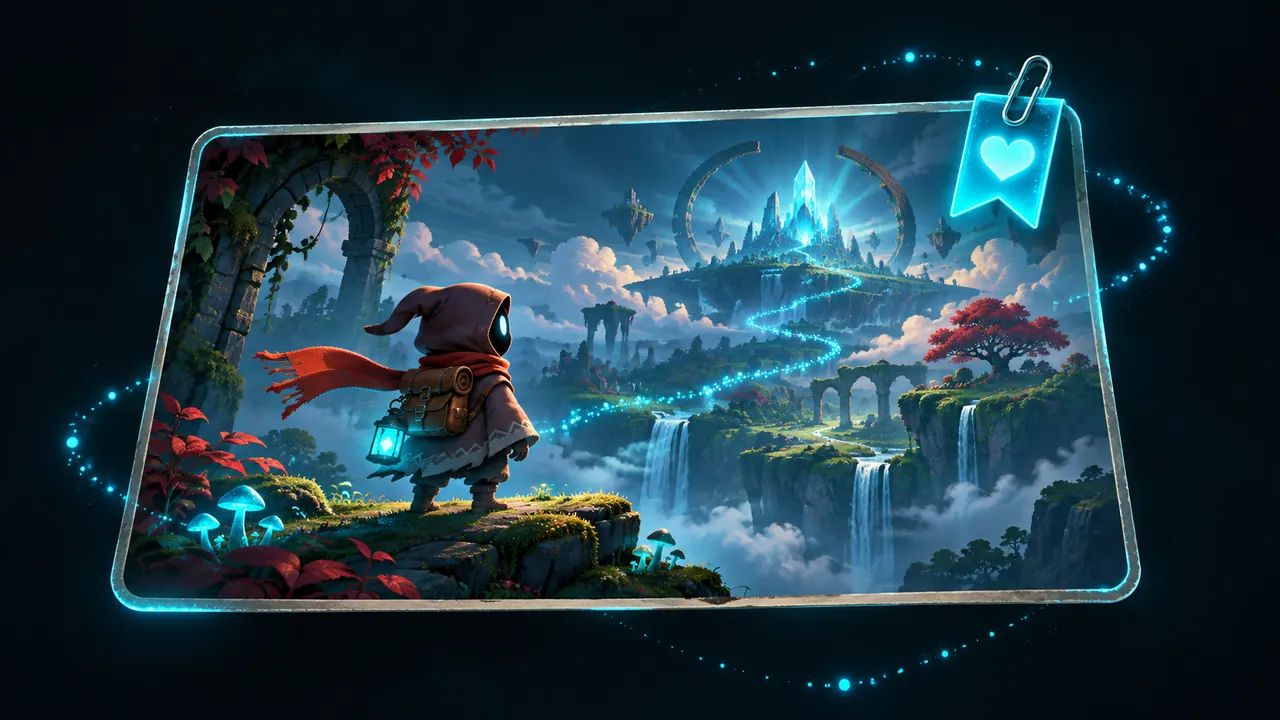
The most reliable way to get Steam wishlists as an indie developer is simple to say and hard to do: publish your Coming Soon page early, ideally 6 to 12 months before launch, make the capsule art and the first seconds of the trailer impossible to scroll past, release a demo and enter Steam Next Fest with it, and get your game in front of streamers and content creators who already play games like yours. Everything else in indie game marketing exists to push people to that store page and its Add to your wishlist button.
This guide walks through that plan with the Steam rules as of November 2026, honest trade-offs, and the places where an AI agent saves real time. Steam rules change, so check the linked Steamworks pages before you commit to dates.
Why Steam Wishlists Matter So Much
A wishlist is a player telling Steam that they want to hear about your game later. Steam keeps that promise for you:
- Everyone who has your game on their wishlist when it releases gets an email and/or a mobile push notification that it is available. The same happens when a game leaves Early Access.
- Wishlisters are notified again when you run a discount of at least 20% on the lowest-priced package that lasts more than 8 hours, with a cooldown of about two weeks between wishlist emails.
- Valve says wishlists can be an important factor in where your game appears on Steam, and that there is no minimum wishlist count before Steam starts showing a game to users.
Valve is also clear that there is no formula to predict sales from wishlists, because people wishlist for different reasons. Treat the conversion rules of thumb you read online as rough estimates. The direction is reliable: more wishlists from the right players means a bigger launch day, and a bigger launch means Steam shows your game to more people. The official explanation is at https://partner.steamgames.com/doc/marketing/wishlist.
Step 1: Publish Your Coming Soon Page 6 to 12 Months Early
Steam requires a Coming Soon page to be live for at least two weeks before a new product releases. That is the legal minimum, not a plan. In our experience the store page should go up 6 to 12 months before launch, for three reasons:
- Wishlists only start when the page exists. Every trailer, post or streamer mention before that point has nowhere to send people.
- Valve itself says players who wishlist a game two years ahead of release can be just as likely to buy it, so early wishlists do not go stale.
- Steam Next Fest requires a published, public store page for the base game, and a game can enter only one Next Fest. You want that page up well before you register.
The trade-off: Valve also warns that if your game may change a lot before release, early wishlisters may be confused by what they eventually get. Publish when the genre, the hook and the art direction are settled, even if half the content is missing. Do not publish a placeholder page with programmer art: a weak first impression is worse than a late one.
Before the page can go live you pay the 100 USD Steam Direct fee; the fee, the paperwork and the review times are in our release checklist at ai-game.dev/blog/how-to-release-a-game-on-steam.
Store Page Checklist
- A one-sentence hook in the short description: the genre, the twist and the feeling, in that order.
- At least five screenshots, 1920x1080 minimum, 16:9. Show gameplay with the HUD, not concept art.
- Accurate tags. Tags decide which players Steam shows your game to, so pick the genre and the closest comparable games honestly rather than the most popular tags.
- A release window you can defend, such as a season or a year, not a date you will miss.
- The AI Generated Content Disclosure filled in honestly if you ship AI-generated art, sound or text (see below).
Step 2: Capsule Art Is Your Real Advertisement
Most players meet your game as a small rectangle in a list, a search result or a sale page, long before they see the trailer. That rectangle is the capsule, and in our experience it is the single most underrated marketing asset an indie team makes. Steam needs it in several sizes, from the 462 x 174 px small capsule to the library hero; the full list is in our release checklist. Rules that work for us:
- The logo must stay readable at the small capsule size. Test it by shrinking the image until it is the size of your thumb on screen.
- Show the genre at a glance. A player should know whether this is a cozy farming game or a horror shooter in one second.
- Use one focal point: a character, a creature or a striking object, not the whole cast.
- Keep the same key art, palette and logo across every capsule, the trailer thumbnail and your social media banners, so people recognise the game the second time they see it.
- Make several drafts and compare them side by side next to real capsules from your genre on the Steam front page.
If you can afford a professional capsule artist, spend the marketing budget here.
Step 3: A Trailer That Works in 10 Seconds, Without Sound
Valve's trailer guidance says a player may give you less than 10 seconds in the Discovery Queue, that the first trailer on the page should be primarily gameplay, and that many viewers watch without sound. Concretely:
- Open on your best gameplay moment, not on a logo or a studio intro.
- Keep the HUD visible: it tells players this is real gameplay.
- Make it readable without audio. Short on-screen text beats voice-over for the store trailer.
- Export at up to 1920x1080, 30 or 60 fps, at 5,000 Kbps or more, as .mp4 or .mov, 16:9.
- The first two trailers appear before the screenshots, so put the gameplay trailer first and any story or announcement trailer second.
Three great seconds of the core loop do more for wishlists than ninety seconds of cinematic build-up.
Step 4: Build a Demo and Plan for Steam Next Fest
Steam Next Fest runs three times a year, in February, June and October. During the festival, players browse thousands of demos, and a good demo is one of the strongest wishlist drivers an unknown indie game has. The rules as of November 2026:
- The demo must be a demo-type app attached to your base game, and publicly playable by the time the Fest starts.
- The base game store page must be published and public, and you register from the base game.
- A title can take part in only one Next Fest, and the game must not be released before that edition ends. Early Access and free-to-play launches after the Fest are fine.
- The next edition runs from February 22 to March 1, 2027 (10:00 AM PST). Registration closes January 10, 2027; submit the demo and store page for review by January 18 to be live for the Press Preview from February 11, or by February 1 at the latest.
The full and current rules are at https://partner.steamgames.com/doc/marketing/upcoming_events/nextfest.
Because you get only one Next Fest, treat it as your main pre-launch event:
- Release the demo publicly a few weeks or months before the Fest, so you can fix the first-session problems that make players quit, and watch your wishlist numbers react.
- Keep the demo short and finished-feeling: 15 to 40 minutes of your best content, ending on a hook and an in-game Wishlist now screen with a link to the store page.
- Opt into the Press Preview so streamers and press can play before the public rush.
- Stream your own game during the Fest from the Steam page, and answer every comment.
The downside: a demo costs development time, and a buggy one hurts. If your game shines only after hours of play, demo a self-contained slice, not the tutorial.
Step 5: Streamers and Content Creators
For most indie games, streamers and YouTube creators bring more wishlists than press. The players who watch a creator who loves your genre are exactly the players who wishlist.
- Find creators who already played games similar to yours in the last few months. Mid-sized creators reply more often and their audiences are loyal.
- Send a short, personal email: one line about why their audience would like it, a key or demo link, the trailer link and the release window. No attachments.
- Time your outreach around beats: the store page reveal, the demo, Next Fest and launch.
- Keep a press kit ready: logo, capsules, screenshots and a short fact sheet.
Expect most emails to go unanswered. Ten creators who actually play the game matter more than two hundred emails sent in an afternoon.
An Indie Game Marketing Timeline for Steam Wishlists
A plan that fits a small team, counting back from launch:
- 12 to 9 months before: settle the hook and art direction, make the capsule art, publish the Coming Soon page, start a devlog or short gameplay clips on social media.
- 9 to 6 months before: first gameplay trailer, first creator outreach, join genre festivals and showcases that accept unknown games.
- 6 to 3 months before: public demo, fix the first session based on what players do, register for Next Fest well before its deadline.
- Next Fest: Press Preview, live streams, creator outreach.
- Last 2 months: launch trailer, launch date announced, final creator wave, a launch discount if you plan one.
- After launch: patch fast, answer reviews, and use discounts of 20% or more to trigger wishlist emails at the right moments.
Where AI Helps with Indie Game Marketing
For a solo developer or a tiny team, marketing is mostly a time problem: weeks spent on capsules, trailers and emails are weeks not spent on the game. AI does not replace taste or make a weak game sell, but it takes much of the busywork off your plate. Where it helps in our work:
- Capsule and key art drafts. Asset Studio in the AI Game Developer app lets you generate images by hand, compare models on the same prompt and iterate with reference pictures, so you can explore many capsule compositions in an afternoon before you commit to a final. More at ai-game.dev/blog/ai-asset-generation-asset-studio.
- Trailer shots and sound. Cloud video and audio models can produce animated backgrounds, transition shots, sound effects and music for a trailer from a prompt or from a screenshot of your scene, as described in ai-game.dev/blog/cloud-ai-video-audio-generation. Keep the first trailer real gameplay: generated clips are for supporting shots, not for faking the game.
- Screenshots. The engine plugins for Unity, Unreal and Godot let the agent take viewport and camera screenshots, and it can run short code inside the live editor to stage a scene: position the camera, set the lighting and time of day, hide debug objects. That makes it practical to produce a consistent set of 1920x1080 shots and redo them after every art update.
- Copy and outreach. The agent can draft your short description, store page sections, devlog posts and creator emails from your design notes. If your project keeps a Knowledge Base (ai-game.dev/blog/game-project-knowledge-base-for-ai), the agent pulls the hook, the art style and the feature list from it instead of inventing them. Always rewrite the final text in your own voice: creators can tell a template.
- The demo itself. A demo slice and a Wishlist now screen are game development work, which is what the agent does in the editor.
Disclose AI Content on Steam
If AI-generated art, sound or text ships in your game, disclose it accurately in Steam's Content Survey; what counts and how to word it is in ai-game.dev/blog/steam-ai-generated-content-disclosure.
Get Started
The order that matters: a strong hook, capsule art people notice, a Coming Soon page 6 to 12 months before launch, a gameplay-first trailer, a demo, one well-planned Next Fest and steady streamer outreach. If you want an AI agent working next to you on the game and on the marketing assets, download AI Game Developer from ai-game.dev/download and read the app guide at ai-game.dev/docs/app.