Gemini 4 Hydrogen, Neon and Carbon in AI Game Developer
Google Gemini 4 Hydrogen, Gemini 4 Neon and Gemini 4 Carbon are now in AI Game Developer next to Gemini 4 Argon. What each model is for and how to pick one.
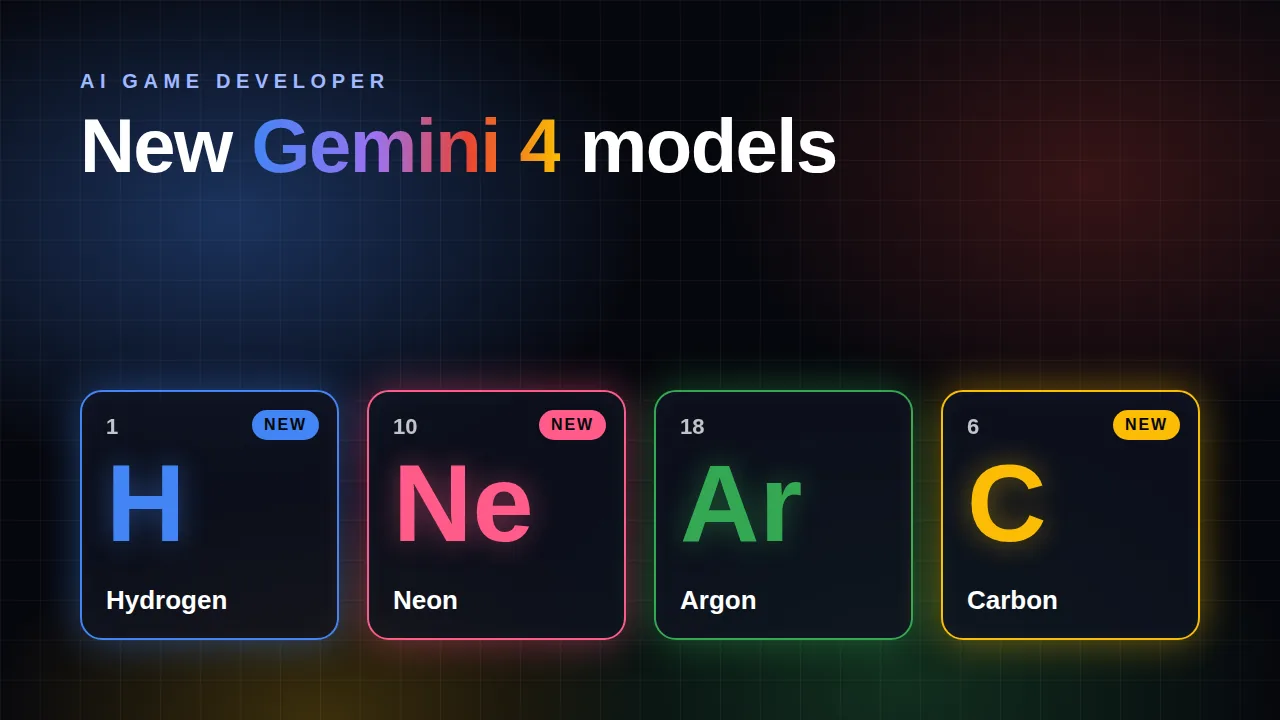
The Gemini family in AI Game Developer has grown. Google's Gemini 4 line is named after chemical elements, and three of them are new in the app: Gemini 4 Hydrogen, Gemini 4 Neon and Gemini 4 Carbon. They join Gemini 4 Argon, which was already in the model list. This post explains what each Gemini 4 model is good at, how they differ, how they count against your plan limit, and how to choose between them.
If you are new to AI Game Developer, the quickstart at ai-game.dev/docs/quickstart connects your Unity, Unreal Engine or Godot project in a few minutes.
The Gemini 4 Models at a Glance
- Gemini 4 Hydrogen: Google's fast, light model for everyday coding and agent work. It replaces Gemini 3.8 Flash.
- Gemini 4 Neon (new): the balanced model that sits between Hydrogen and the two big reasoning models.
- Gemini 4 Argon: Google's efficient frontier reasoning model, for complex reasoning and long agent tasks.
- Gemini 4 Carbon (new): Google's most capable reasoning model, for the hardest problems.
All four have a context window of about 1 million tokens, write up to 65,536 tokens in one answer, and accept text and images, so you can paste a screenshot of your scene or your UI into the chat and talk about it.
Gemini 4 Hydrogen: Fast Everyday Work
Hydrogen is the model for quick iterations: writing and fixing gameplay scripts, wiring up UI, creating objects in your scene through the tools of AI Game Developer, and answering questions about your project. It is the lightest Gemini 4 model on your plan limit.
Hydrogen is the successor of Gemini 3.8 Flash, and the switch is automatic. If Gemini 3.8 Flash was your model, the app moves your choice to Gemini 4 Hydrogen, and any request that still names Gemini 3.8 Flash is answered by Hydrogen. Input and output tokens use your plan limit at the same rate as on Flash, and reusing cached context now uses less, so long sessions in a big project get a little lighter on your plan limit. One thing to know: Hydrogen thinks harder by default, so on difficult questions it may write a few more tokens than Flash did.
Gemini 4 Neon: The Balanced Middle
Neon is new. Google places it between Hydrogen and Carbon: stronger than Hydrogen on multi-step coding work, and lighter on your plan limit than the big reasoning models. It is a good everyday choice when Hydrogen starts to miss details, for example when a feature touches several scripts, a prefab and a scene at once.
Neon thinks at a high level by default. It uses about twice as much of your plan limit per token as Hydrogen, and less than Argon and Carbon.
Gemini 4 Argon: Efficient Frontier Reasoning
Argon stays in the list as before. It is Google's efficient frontier reasoning model, a strong partner for planning a feature, untangling a tricky bug, or a long agent task that has to stay on track across many steps. It uses about 2.7 times as much of your plan limit per token as Hydrogen.
Gemini 4 Carbon: Google's Most Capable Model
Carbon is new, and it is the strongest reasoning model in the Gemini 4 line. Reach for it when a task is genuinely hard: an architecture decision for a whole game system, a performance problem nobody can explain, or a refactor that touches large parts of the project.
Carbon uses your plan limit at the same rate per token as Argon, but Google says it spends more thinking per turn. An answer can therefore use more tokens, and more of your plan limit, than the same answer from Argon. That extra thinking is exactly what makes it strong on hard problems, so save it for the tasks that need it.
Why There Is No Flex Switch for Gemini
Some of our OpenAI models have a Flex class, a cheaper and slower way to run the same model that uses about half as much of your plan limit. We wanted the same switch for Gemini, so we tested it. Google offers Flex for Gemini 4 only on a separate API where an answer can take from one to fifteen minutes, which is far too slow for a conversation with an agent. On the Google Cloud service we use to run Gemini, Google refused our Flex test requests for the Gemini 4 models. So all Gemini models run in the standard class, and the model picker shows no Flex/Standard switch for them. If Google brings a fast Flex option to these models, we will add it.
Which Gemini Model Should You Pick?
- Quick iterations and everyday scripting, lightest on your plan limit: Gemini 4 Hydrogen.
- Everyday features that touch several parts of your project: Gemini 4 Neon.
- Planning, long agent tasks and tricky bugs: Gemini 4 Argon.
- The hardest problems, when quality matters more than speed: Gemini 4 Carbon.
A good rhythm for bigger features is to let a strong model plan the work, then let a faster model carry out the steps. Plan mode, described at ai-game.dev/blog/plan-mode-ai-agent-game-development, is made for exactly that. If you also use OpenAI models, the GPT-6.2 update is at ai-game.dev/blog/new-ai-models-gpt-6-2-astra-sol.
Who Can Use the Gemini Models
All Gemini models are part of the Studio plan and higher. Plans are compared at ai-game.dev/pricing. Google's Gemini models are not offered in the EU, EEA, UK and Switzerland, and they need an account whose holder has confirmed being 18 or older. The live list of models available in your region is at ai-game.dev/model-availability.
Every model uses your plan limit first, shown as a percentage of your allowance. When it runs out, work can continue from your extra balance if you turned on Extended usage on your account page.
Get Started
- Download or update the AI Game Developer App from ai-game.dev/download and sign in.
- Open the model picker in a chat and choose Gemini 4 Hydrogen, Neon, Argon or Carbon.
- Give it a real task from your game, and compare the result with the model you used before.
- Quickstart guide: ai-game.dev/docs/quickstart
- Plans: ai-game.dev/pricing
- Discord community: https://discord.gg/cfbdMZX99G
Thank you for building games with AI Game Developer. Try the new Gemini models on your project, and tell us in our Discord community which one works best for you.